Custom domains
Custom domains (Proxy → Custom domains, Team plan) serve a proxy at your own hostname. Point it at edge.fleetwide.app with a CNAME, prove ownership with a TXT record, and verify; the certificate is issued automatically and the records are re-checked daily. A domain that is switched off or whose records disappear stops serving, and comes back when they return.
# custom domain: one CNAME and one TXT record, then Verify under Proxy → Custom domains
status.acme.com.             CNAME  edge.fleetwide.app.
_fleetwide.status.acme.com.  TXT    "fw-verify=<token shown in the console>"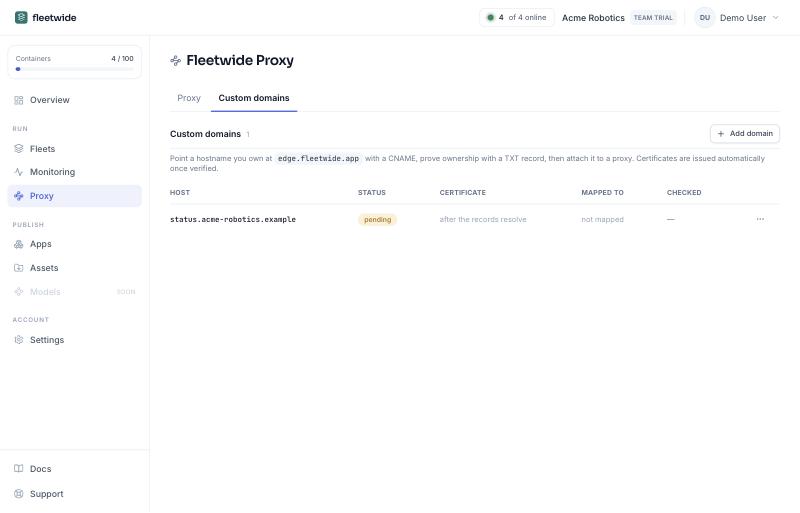
Attach a verified domain to a proxy from either side: Attach to proxy in the domain's row menu, or the domain picker in the proxy's Edit panel. A domain serves one proxy at a time; detaching it from the proxy's row menu keeps the domain, unmapped, for the next one.