Fleets, deployments and containers
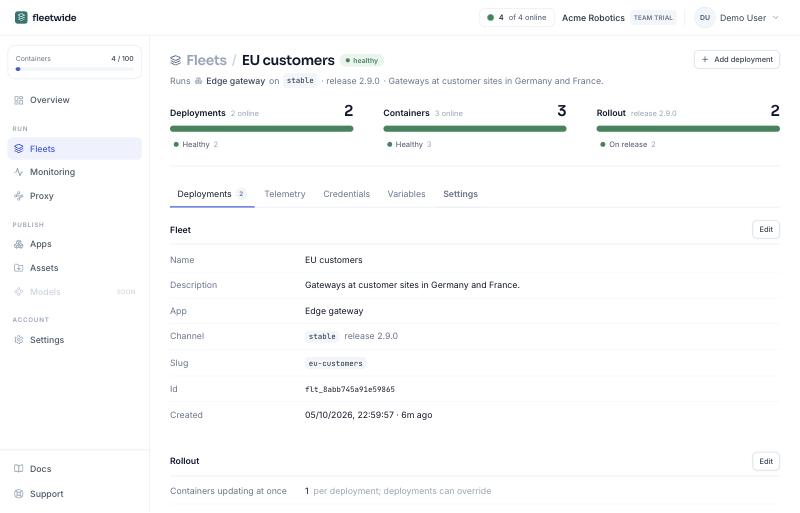
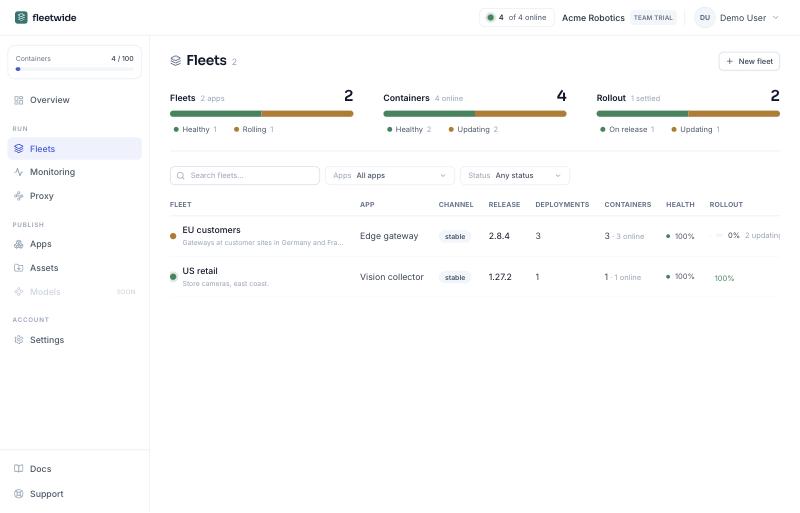
A fleet is a customer, a site or an environment: it follows one channel and carries its own variables, credentials, update window, rollout settings and switches. Inside it, a deployment is a group of containers that roll together: a service, a replica set, a shop. A container is one enrolled supervisor.
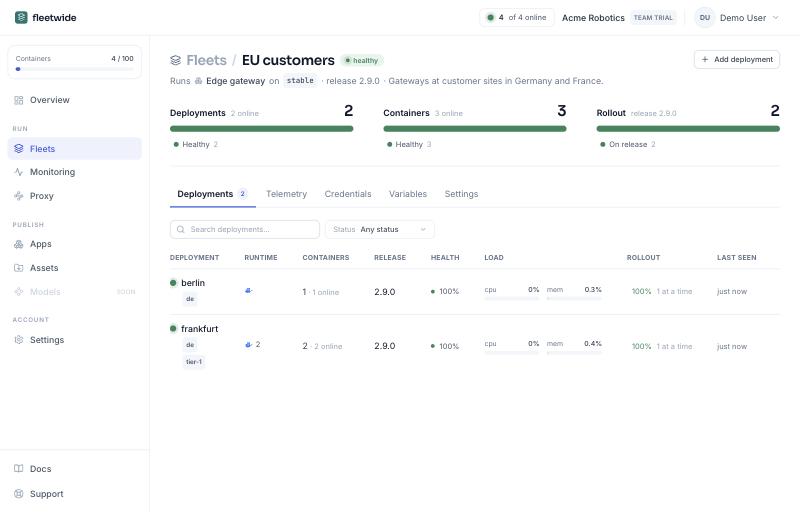
A deployment is created in the console and owns its enrollment keys: every container that enrolls with one of them is a container of that deployment, so a supervisor never names or creates a deployment, and nothing ever removes one but you. Within a deployment a container is known by the certificate in its state volume, so a recreated container with the volume is the same container; without one it is known by its pod uid or container id, and a recreated container is a new one (mark the deployment ephemeral so silent ones are removed after a timer). FLEETWIDE_INSTANCE_NAME adds a display name, which need not be unique. Deployments that are not ephemeral keep every container until you remove it, since a host may just be offline.
The fleet's Settings tab holds everything that applies to all its containers:
- Rollout: how many containers of a deployment may be unavailable at once, as a count or a percentage (deployments can override it); what happens on failure, roll back or report; and up to eight conditions on declared metrics that halt a rollout (error_rate gt 2, averaged or last reading, over a window).
- Update window: the hours a fleet may update, as HH:MM start and end, days of the week, and a time zone (an IANA name, or local, the container's own). Outside it, containers hold the release and the fleet page says how many are waiting and until when. A first deployment is never held.
- Switches: live logs, proxy, telemetry and readiness, all off by default. Each needs a supervisor image that carries the feature, so the install panel picks the smallest image that does: slim (updates only), telemetry (adds metrics) or developer (adds logs and proxy). The console shows which containers run an image without a feature the fleet switched on.
- Check-in interval: automatic by default, 10 seconds while a container is rolling out, being watched or newly enrolled and 60 seconds once settled; or fixed, 1 minute to 1 hour.